Posts

Showing posts with the label Preferences

Login Requests

Image
By default your directory is set up as private to your organization. And the directory entries, by default are private as well. You're directory can still be public, but all of your directory entries private. If you choose, you can make your directory public (keeping the directory entries private) and this will add an option to the login screen for which a user can click on the Please create a login for me link and fill out a form request. When this is submitted it will be sent to the administrator for the organization and the administrator can approve or deny the request from this page.
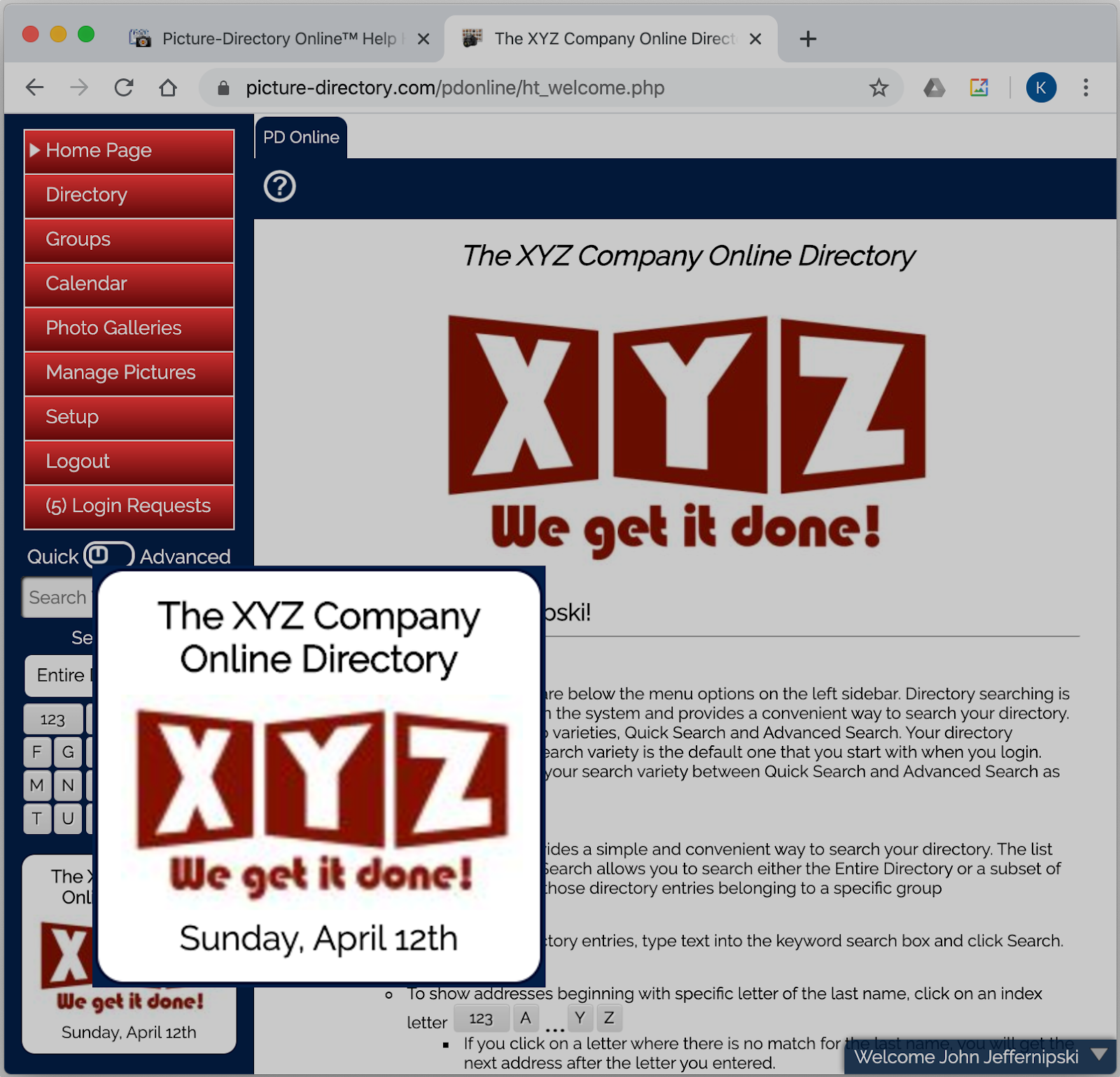
Sidebar - Notfication Area

Image
The Sidebar Notification Area shows your organization's name (so the user always knows what directory they are logged into, and the date. Optionally in can include a scripture verse which can be toggled on or off in Setup » My Organization » Modify .

Setup (System Preferences)

Image
Setup (System Preferences) After selecting the setup option you are shown the tabs above. These tabs are for the following: Users - Maintain your organization's users. Login Requests - Users can request a login and you can approve or deny from this tab. Custom Fields - Define custom fields for your directory. My Organization - Change settings that control your directory. Import - Import data into your directory. Export - Export data from your directory.